
New Journal Features for Better Accountability and Awareness
Require Users to Acknowledge Critical Journal Posts
Journal Managers can now create posts that require users to acknowledge they've read important announcements before continuing with any other activity in PSTrax. Users will see a clear prompt and must confirm they've reviewed the message, ensuring vital updates are never missed. This feature boosts accountability and helps your team stay informed about essential information.
Important Journal Notices Stay on Top
You can now pin important posts in the Journal section, ensuring they always appear at the top—no matter when they were created. Multiple pinned posts will be grouped together above all others, ordered from newest to oldest, so you never miss a critical update. This helps you quickly find essential information and improves operational awareness for your crews.
Get Notified of Duplicate Control Numbers
When entering or editing control numbers for vials in the Controlled Substances module, you’ll now see a clear warning if a duplicate control number already exists in your system. This alert appears during restocks, single edits, and batch edits, helping you avoid accidental duplicates while still allowing you to proceed if needed.
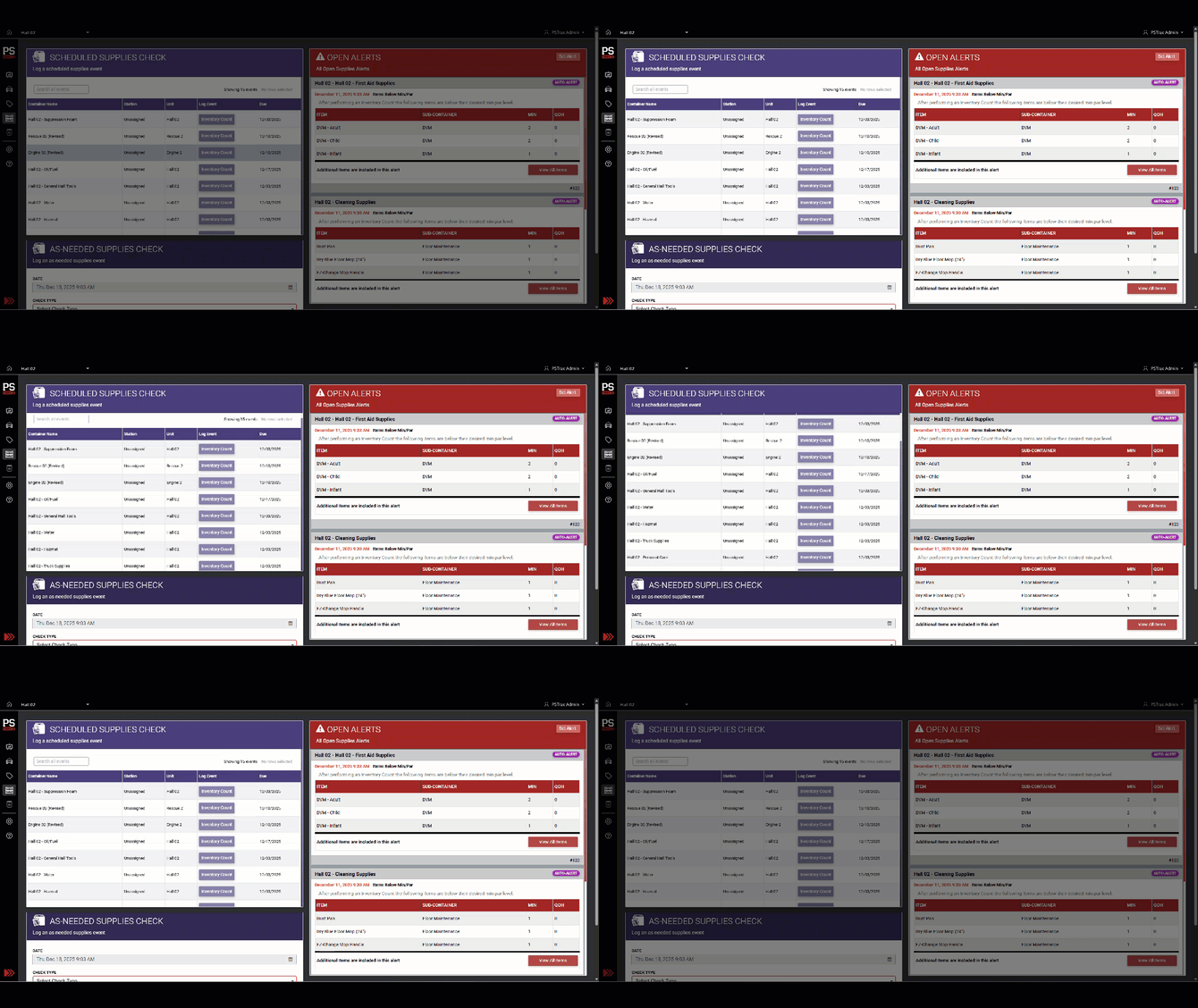
Easier Access to As-Needed Supplies Checks
If you have a long list of scheduled checks, the list now has its own scrollbar. This makes it much easier to access and log As-Needed Supplies Checks without scrolling through a long list of scheduled checks.
Other Features, Enhancements & Bug Fixes
- Improved security for moving vehicles - We fixed an issue where users could move vehicles to stations they didn’t have access to. Now, the station list only shows locations you’re permitted to view, ensuring vehicles remain visible and manageable.
- Prevent setting duplicate gear status - We fixed an issue where users could accidentally select the current status when changing the status of PPE, SCBA, or Assets. Now, the dropdown only shows new status options, making it easier to update gear without errors.
- Disabled scroll wheel on CS home page - We’ve improved Controlled Substance forms so that using your mouse scroll wheel no longer changes quantity values by accident. Now, you can scroll the page without worrying about unintentionally altering drug counts while entering data.
- Changed link names in navigation - We’ve updated the administrator settings navigation for PPE, SCBA, and Assets to standardize link names to “Manage Events” and “Manage Schedules.” This makes it easier to find and manage your records and is consistent with other modules across the platform.
- Changed terminology on CS home page - We’ve updated the dropdown label on the drug check start page from “UNIT” to “CONTAINER,” and the placeholder now reads “Select Container.” This change makes it easier to understand what information is needed when starting a drug check.